> For the complete documentation index, see [llms.txt](https://docs.expandzk.com/llms.txt). Markdown versions of documentation pages are available by appending `.md` to page URLs; this page is available as [Markdown](https://docs.expandzk.com/xzk-and-vxzk-staking/user-guide/unstake.md).
# Unstake
## **Unstake Description**
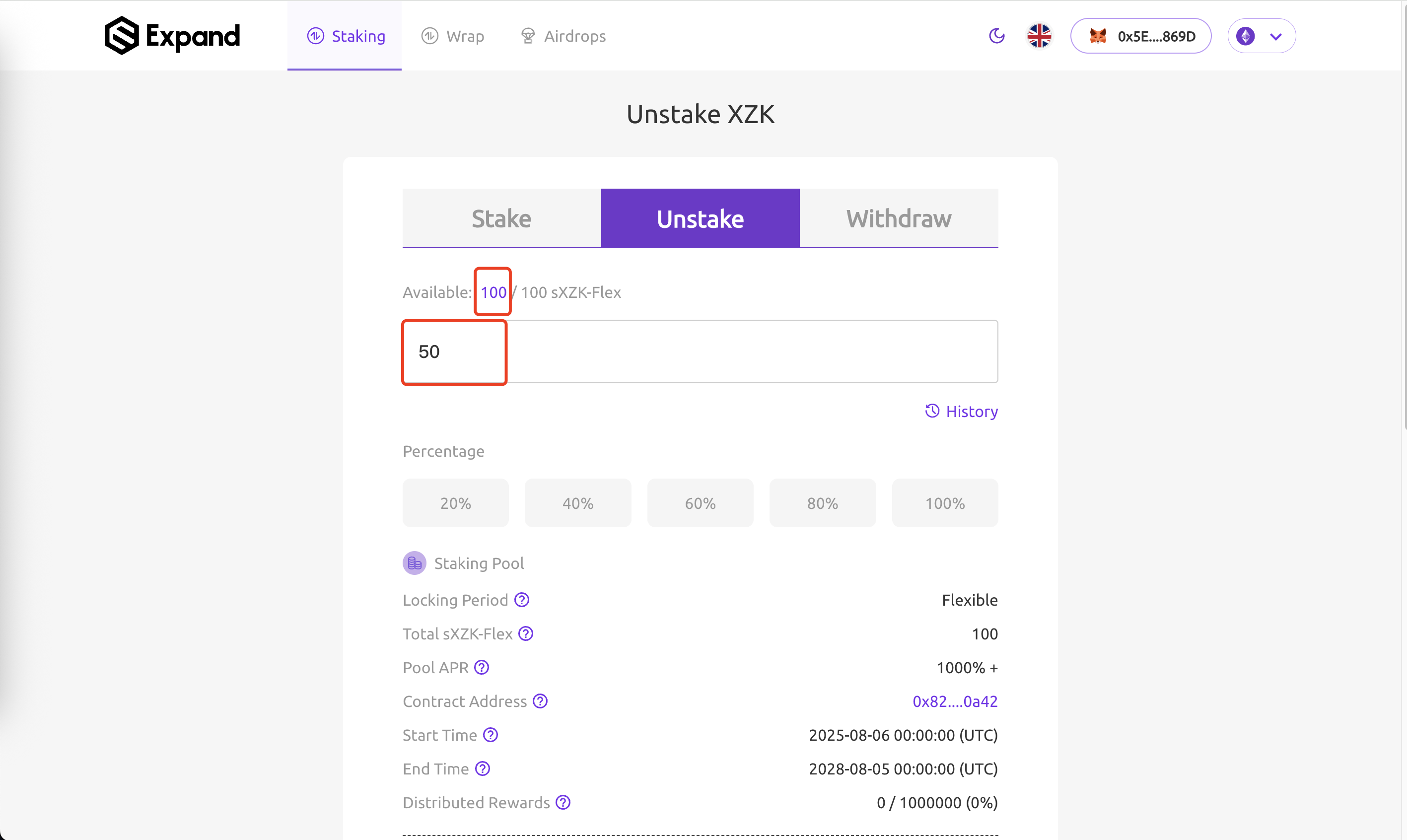
Users can unstake after the staking period ends, converting staking tokens back to original tokens (XZK OR vXZK).
## Important Notes
* **Minimum Unstake Amount**: The minimum unstake amount is 1 tokens
* **Locking Period**: You can only unstake tokens that have passed their locking period
* **Withdrawal Delay**: After unstaking your tokens, they cannot be withdrawn to your wallet immediately. You must wait 1 day before withdrawal
* **Partial Unstaking**: You can partially unstake your tokens. The remaining staked tokens will continue earning rewards
* **Gas Optimization**: If you have staked more than 20 times, you should not unstake all staking amounts at once because it will cost a lot of gas. You can specify smaller amounts for multiple transactions
## **Unstake Steps**
1. **Specify Unstake Amount**: Enter the amount of staking tokens you want to unstake. The amount must be less than your current available staking token amount.
2. **Review Unstake Details**: Before unstaking, you can check the following details:
* **Unstaking Token Amount**: The amount of staking tokens you will unstake in this transaction
* **Withdrawal Available Time (UTC)**: The time when you can withdraw your tokens
* **Receiving Token Amount**: The amount of original tokens (XZK or vXZK) you will receive after the unstaking period ends
3. **Click Unstake**: Initiate the unstake process
4. **Sign Unstake Transaction**: Sign the unstake transaction in your wallet
5. **Wait for Unstake Confirmation**: Wait for the unstake transaction to be confirmed on the blockchain
6. **Complete**: When the unstake transaction is complete, you can check the Unstake History to find out the Withdrawal Available Time